
Table of Contents
A 4K digital microscope can reveal more image detail than a 1080p model, but resolution alone does not determine image quality. This guide compares clarity, frame rate, display needs, image capture, and common uses so you can decide whether 4K is worth the upgrade.
1080p vs 4K Digital Microscope Differences
The main difference between a 1080p and 4K digital microscope is the amount of image information the camera can display or record. However, the practical difference depends on how you use the microscope and the quality of the complete imaging system.
Resolution and Pixel Count
A 1080p image has a resolution of 1920 × 1080 pixels, which equals about 2.1 million pixels. A 4K UHD image measures 3840 × 2160 pixels, or roughly 8.3 million pixels. That means 4K contains about four times as many pixels as 1080p.
The extra pixels allow a 4K microscope to represent smaller visual details more clearly, especially when the camera, lens, lighting, and display are capable of taking advantage of the additional resolution. However, four times as many pixels does not mean four times the magnification or four times the useful detail.
Fine Detail and Image Sharpness
The advantage of 4K becomes more noticeable when inspecting tiny features such as solder joints, scratches, coin markings, or fine printed patterns.
At the same viewing size, a high-quality 4K image can show smoother edges and more subtle surface details. This can make it easier to distinguish between features that appear very close together.
For general viewing, however, a good 1080p microscope can already produce a sharp and usable image. If the object has relatively large features, the extra resolution may not dramatically change what you can identify.
Cropping, Documentation, and Image Capture
4K provides a clear advantage when images need to be saved, enlarged, or cropped. Because a 4K image contains more pixels, you can crop into a smaller section while retaining more visible detail. This is useful when documenting:
- PCB defects
- coin mint marks
- stamp printing
- jewelry scratches
- small mechanical parts
Users who regularly save inspection images, prepare reports, or share microscope photos online may benefit more from 4K than users who only watch the live view.
Display and Hardware Requirements
To see the full benefit of 4K, the rest of the setup must support it. A 4K microscope connected to a 1080p monitor can still work, but the displayed image may be scaled down to the monitor's native resolution. You may still benefit when capturing 4K files, but the live image will not show the full pixel detail available on a 4K display. Before buying, check the microscope's HDMI or USB output resolution, supported frame rates, monitor resolution, and computer requirements.

Why 4K Does Not Always Mean Better Microscope Image Quality
Resolution is only one part of microscope image quality. A well-designed 1080p system can sometimes produce a more useful image than a poorly designed microscope that simply advertises 4K.
Sensor Resolution vs Output Resolution
Specifications such as "4K" can refer to different parts of the microscope.
A product may support:
- 4K image capture
- 4K video recording
- 4K HDMI output
- a high resolution camera sensor
These specifications are not necessarily the same. For example, a microscope may capture high-resolution still images while sending a lower resolution live image through USB. Its built in screen may also have a much lower resolution than the camera sensor. Check the specifications for live output, recording, still images, and the built-in display separately instead of relying on the 4K label alone.
The Role of Lens and Optical Quality
The camera cannot record detail that the optical system fails to resolve. Lens quality, focus accuracy, working distance, illumination, and sensor performance all influence how much usable detail reaches the final image.
A microscope with good optics and proper lighting can show small features more clearly even without the highest camera resolution. Poor lighting or inaccurate focus can make a 4K image appear soft, noisy, or washed out. For this reason, resolution should be evaluated together with optical quality rather than treated as the only measure of microscope performance.
Frame Rate and Live View Performance
Higher resolution requires more image data to be processed and transferred. Depending on the microscope, 4K mode may operate at a lower frame rate than 1080p. For example, one mode might provide 4K at 30 frames per second while another provides 1080p at 60 frames per second.
Frame rate matters most when you are moving tools or objects under the microscope. For live soldering, electronics repair, engraving, or mechanical work, smooth motion and low latency can be just as important as maximum resolution. A responsive 1080p image may sometimes be more comfortable to work with than a sharper 4K image running at a noticeably lower frame rate.
When 4K Makes a Visible Difference
The value of 4K depends largely on the size of the details being inspected and what you plan to do with the image afterward.
Inspecting Very Small Details
4K becomes more useful when your work involves features that are difficult to distinguish at lower resolutions.
Examples include:
- fine pitch PCB pins
- solder bridges
- hairline scratches
- small engraving
- tiny printed characters
- subtle surface defects
If your primary goal is identifying very small differences between neighboring features, the additional image information can make inspection easier.
Viewing on a Larger Screen
Screen size also affects how noticeable the difference becomes. On a large 4K monitor, a high-resolution microscope image can display more detail without needing as much digital scaling. This is helpful for workstation inspection, demonstrations, group viewing, and situations where you want to see a larger portion of the specimen clearly. On a small built-in microscope screen, the difference between 1080p and 4K may be much less obvious.
Capturing and Cropping Images
4K is particularly valuable for users who frequently photograph specimens. You can capture the full object and later crop into an area of interest while preserving more detail. This can reduce the need to reposition the microscope every time you want a closer image of a particular feature. This advantage is especially useful for documentation, comparison photos, tutorials, and quality control records.
For users who regularly work with fine details or want a higher resolution setup for inspection and documentation, TOMLOV TM4K-AF Flex is one example of how these features come together in practice. It supports 4K UHD imaging, autofocus, and HDMI and USB output, making it especially useful for detailed PCB inspection, soldering, and other tasks where image clarity and convenient viewing matter.
When 1080p Is Enough
1080p remains a practical choice for many users. It is usually sufficient when you primarily need the following:
- general hobby observation
- educational demonstrations
- basic electronics inspection
- larger coin features
- simple repair work
- live viewing without extensive cropping
If you use a 1080p display and rarely save high resolution images, paying more for 4K may provide only a limited improvement in everyday use.
Match Resolution to Different Uses
Choosing between 1080p and 4K becomes easier when you start with your application rather than the specification sheet.
Hobby Observation and Classroom Demos
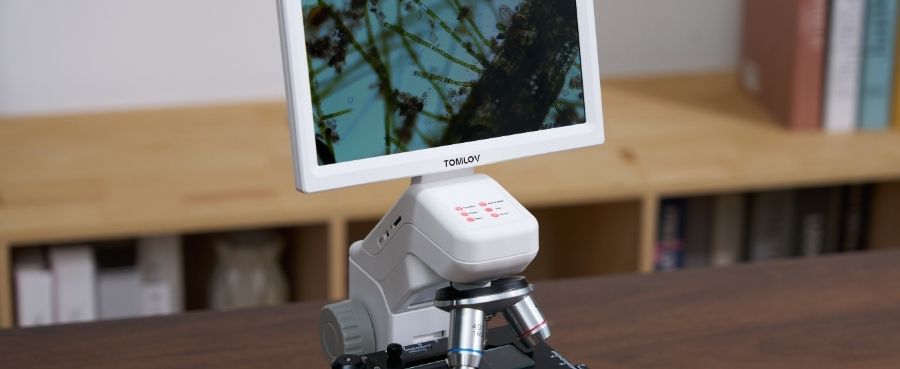
For insects, leaves, rocks, crafts, and general classroom demonstrations, 1080p is usually enough to provide a clear and engaging image. Ease of focus, lighting, stand stability, and screen size are often more important than upgrading to 4K. 4K becomes more useful if images need to be displayed on a large classroom screen or captured for detailed educational material.
Soldering and PCB Inspection
Both 1080p and 4K can work well for electronics. 1080p is often sufficient for routine soldering and component identification, particularly when it provides a smooth, low latency live image.
4K has an advantage when inspecting fine-pitch components, small solder defects, damaged traces, or tiny markings. For hands-on repair, compare frame rate and latency as carefully as resolution before choosing.
Coin, Stamp, and Gem Documentation
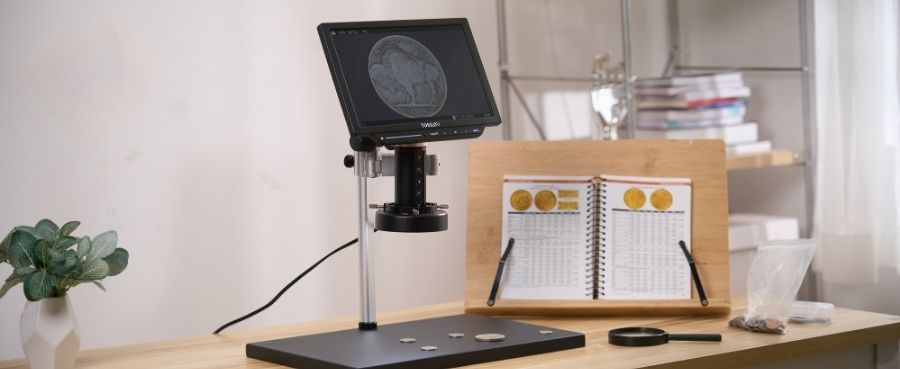
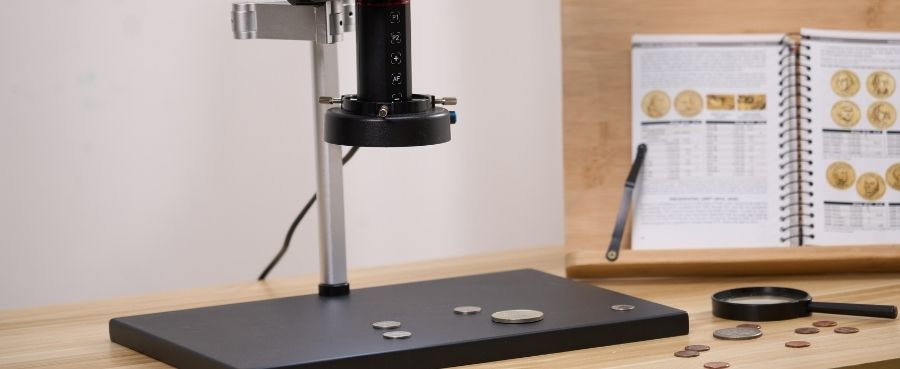
Collectors and inspectors often benefit more from 4K because their work involves both observation and photography. Higher resolution can help document coin surfaces, stamp printing patterns, perforations, gem settings, and fine scratches. It also leaves more room for cropping and enlarging images later.
For casual collecting, however, a good 1080p microscope may still provide all the detail needed for identification and routine examination. For users who do not need 4K, a 1080p microscope can still provide a practical setup for everyday observation. TOMLOV DM10, for example, combines 1080p video with a 10.1-inch IPS screen, USB live viewing, and photo and video capture. This makes it well suited to coin observation, hobby use, classroom viewing, and routine inspection without making 4K resolution a priority.

Final Thoughts
In the 1080p vs 4K digital microscope comparison, 4K is worth the upgrade when you inspect very fine details, use a large high-resolution display, or regularly capture and crop images. For general observation and routine repair, 1080p can still provide excellent results.
Before choosing, compare resolution together with optics, frame rate, lighting, output options, and display compatibility. The best microscope is the one that provides the clearest and most responsive image for your actual work.
Frequently Asked Questions
Does 4K Increase Magnification?
No. 4K increases image resolution, not optical magnification. It can make digitally enlarged or cropped images look clearer because more pixels are available, but it does not increase the resolving power or physical magnification of the lens.
Which Microscope Can Zoom the Most?
Maximum zoom depends on the microscope's optical system, camera setup, working distance, and digital enlargement. Very large advertised magnification numbers should not be used as the only buying criterion. Useful image detail matters more than the highest zoom number.
Which Type of Microscope Has the Highest Magnification and Resolution?
Laboratory optical and electron microscopes can achieve far higher resolution than consumer digital microscopes. Within consumer digital microscopes, the best choice depends on the optical system and intended application, not simply the largest advertised magnification.
What Is the Best Resolution for a Microscope?
1080p is suitable for general observation, education, and many repair tasks. 4K is more appropriate when fine detail, large screen viewing, image documentation, or cropping is important. The best resolution is the one that matches your workflow and display setup.
Can You Really See the Difference Between 1080p and 4K?
Yes, but the difference is most noticeable when viewing fine details on a larger high resolution screen or enlarging captured images. On a small display or with specimens that contain larger features, the practical difference may be much less noticeable.

Dejar un comentario
Todos los comentarios se revisan antes de su publicación.
Este sitio está protegido por hCaptcha y se aplican la Política de privacidad de hCaptcha y los Términos del servicio.